Add the people who matter
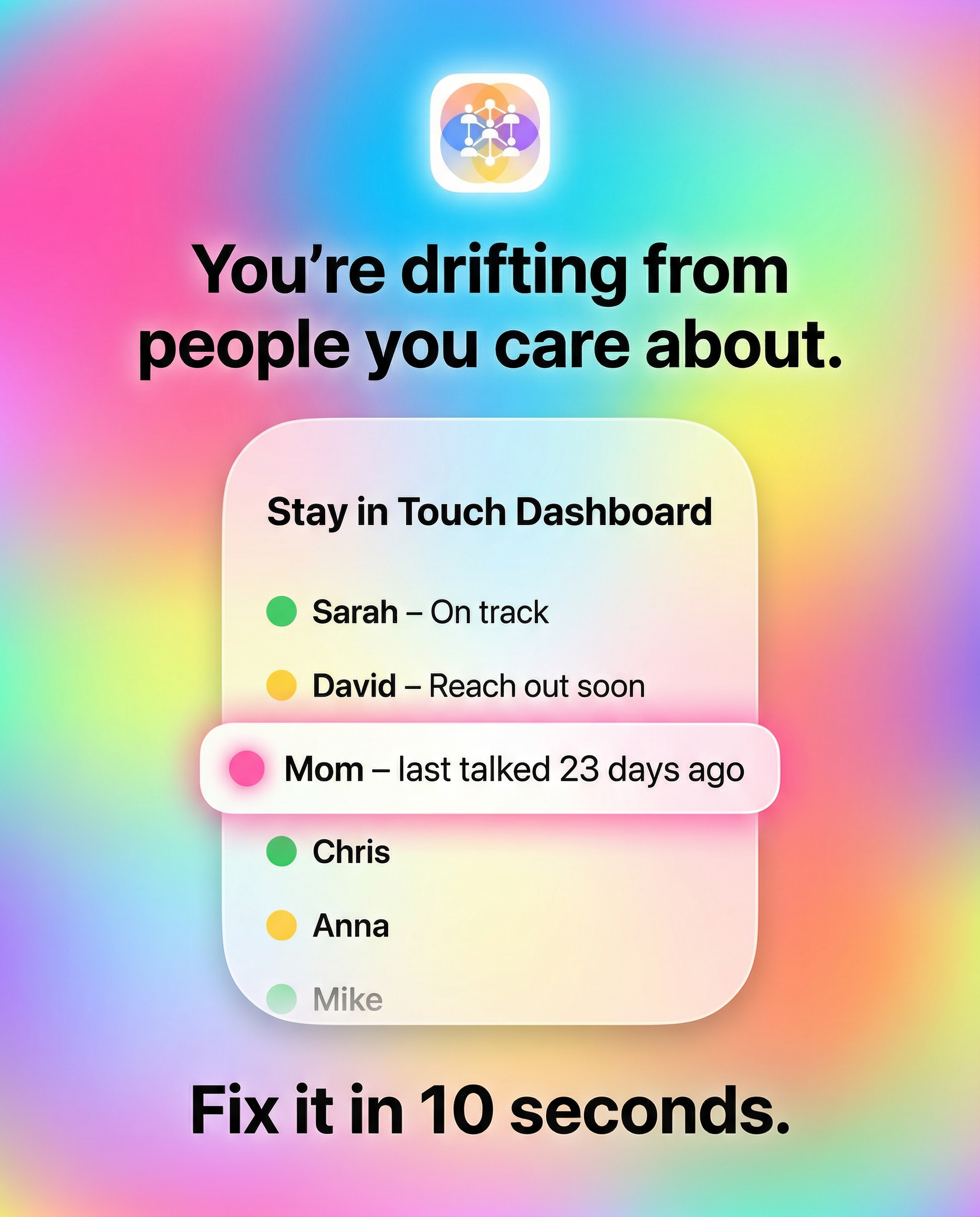
You start by adding the people you want to stay close to — friends, family, old colleagues, whoever. You can note how often you want to check in with each person: weekly, monthly, every few months. Phonebook AI doesn't judge. It just listens.
Log when you talk
After you have a conversation — a call, a text exchange, a coffee — you mark it. One tap. That's it. Phonebook AI knows the clock has reset. It's not about tracking everything, just keeping the rhythm.
Get a gentle nudge when it's time
When it's been a while since you've talked to someone, Phonebook AI lets you know. Not with guilt, not with a red badge demanding attention — just a quiet notification that says "hey, it's been a while with [name]." You decide what to do with that.
Reach out — we'll help if you need it
Open the app, see the suggestion, and reach out. If you're not sure what to say (we've all been there), Phonebook AI can suggest a question to start the conversation — pulled from a library of real, good questions. Not generic openers. Actual conversation starters that go somewhere.
That's really it.
No algorithms. No feed. No engagement loops. Just a simple system for one of the most important things in life: staying close to the people who matter to you.
We think staying in touch should feel like a gift, not a chore. Phonebook AI is designed to make it feel like the former.